Here’s what’s new in Rotabull as of October 2026
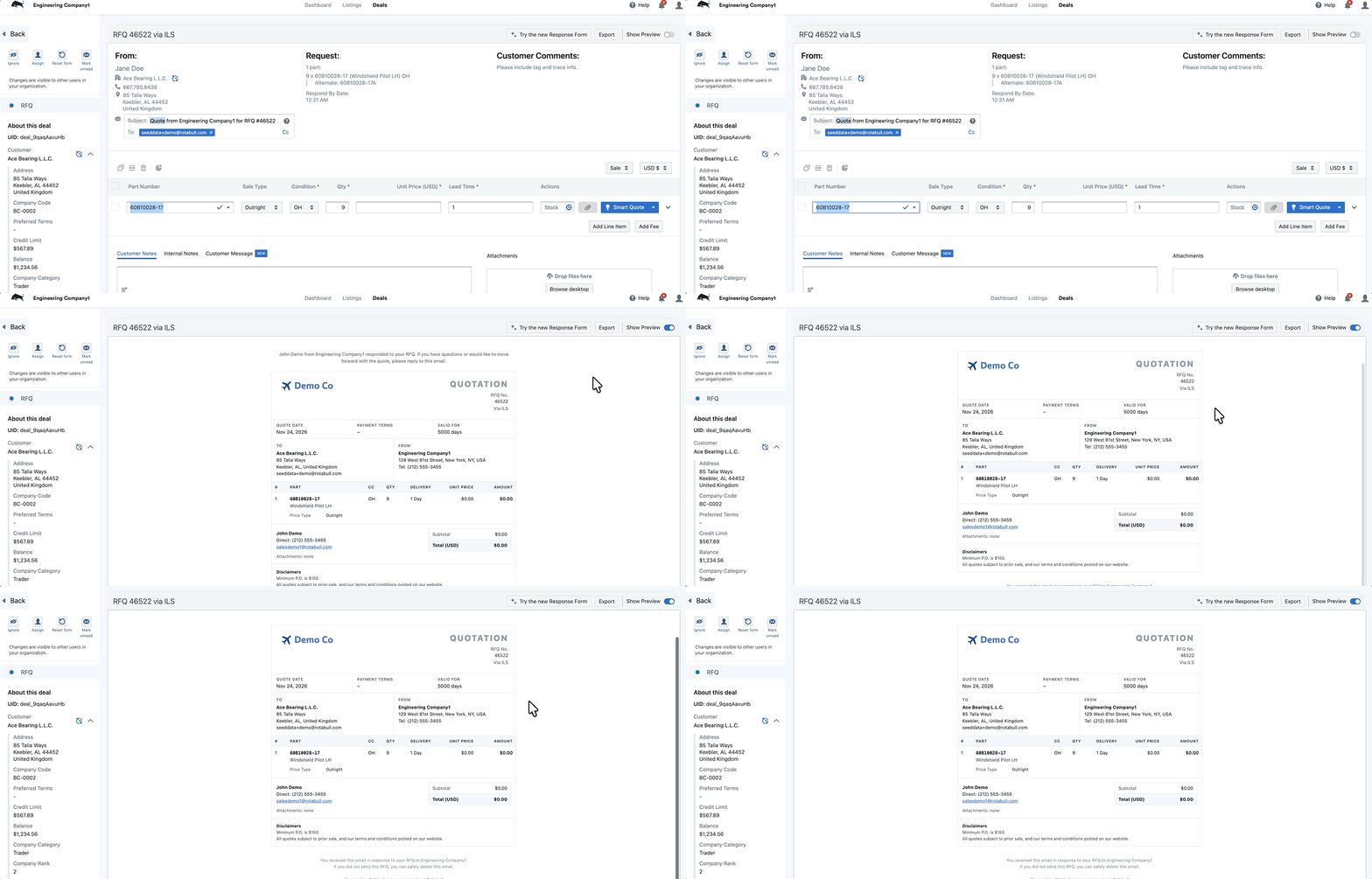
New Quote Template with Payment Terms
We've launched a refreshed design for Quote emails. Turn on the new template in Quoting Settings and each quote now shows new fields such as a buyer's payment terms when available. You can also choose which line-item details, such as Min and Max Sale Qty, stay off the quote your customer sees.
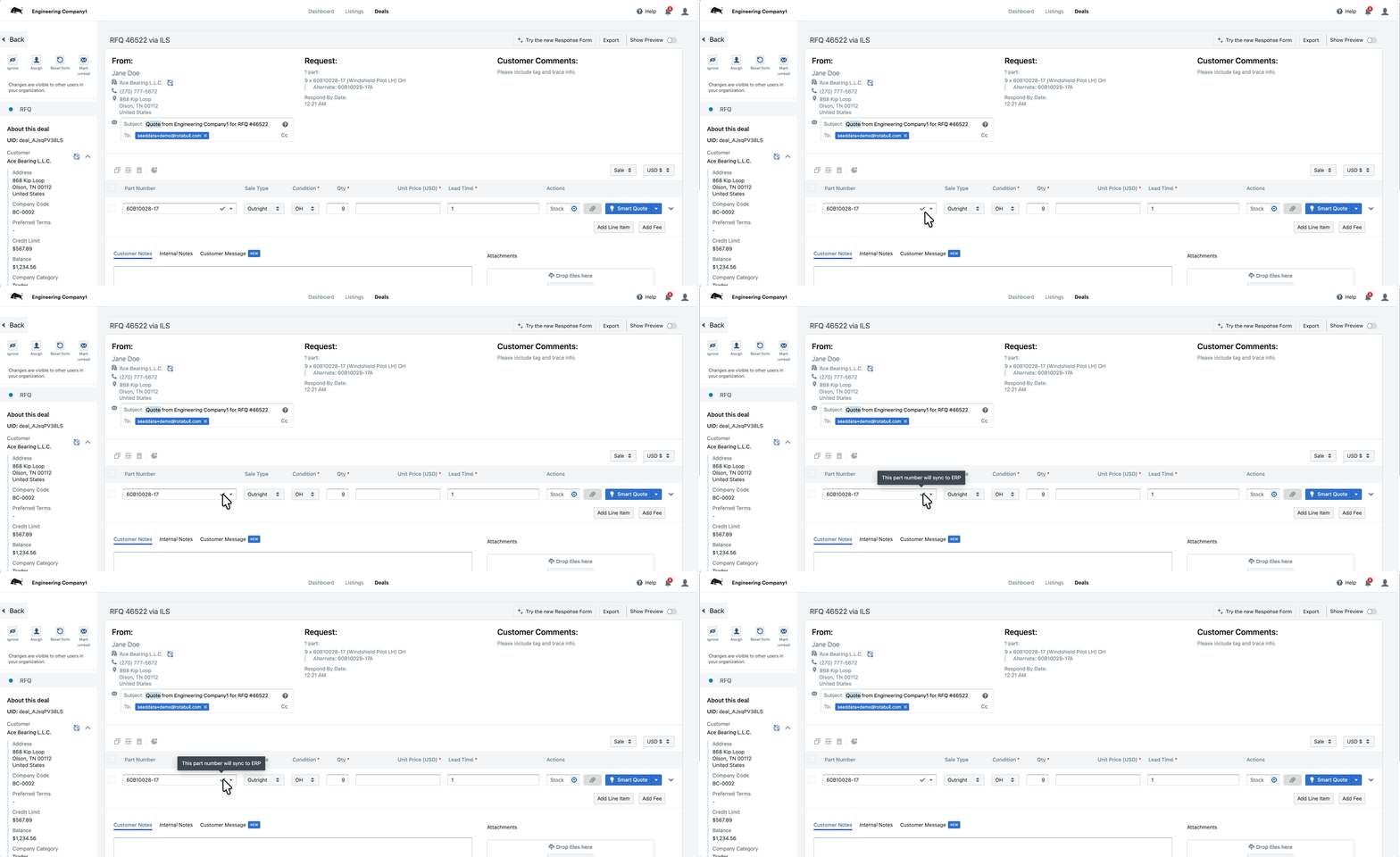
Part Master Indicators, On by Default
If your Part Master data is available, Rotabull now turns on Part Master indicators for you automatically. The same check mark you see when quoting now appears on the Vendor Quote form too, so you know at a glance whether a part number is already in your Part Master.
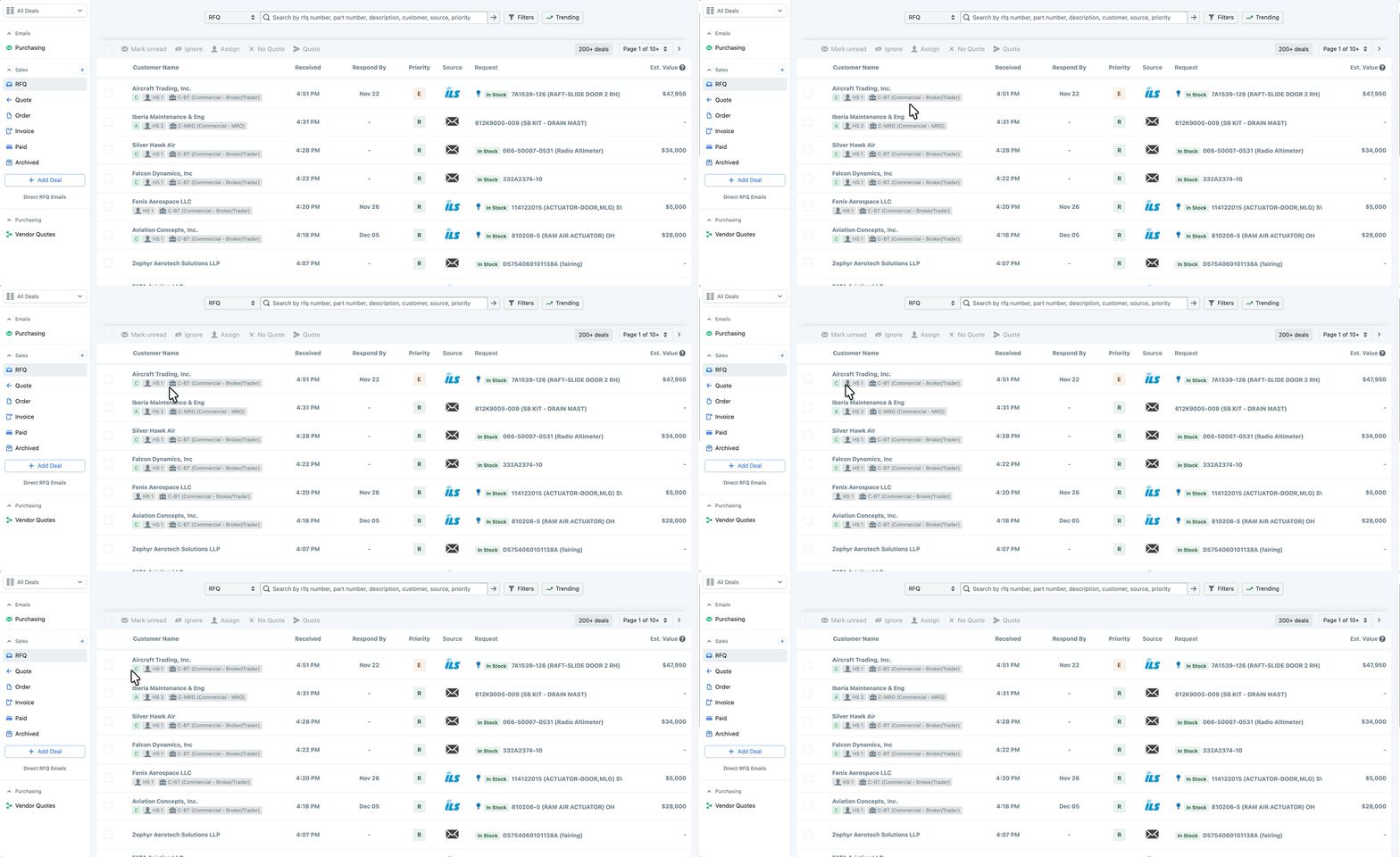
Company Tags in the Inbox
See additional information about a buyer before opening up an RFQ. Company tags are on by default if you have your rolodex loaded into Rotabull manually or through our ERP: see a buyer's rank, salesperson assignment, and company category right next to their name.
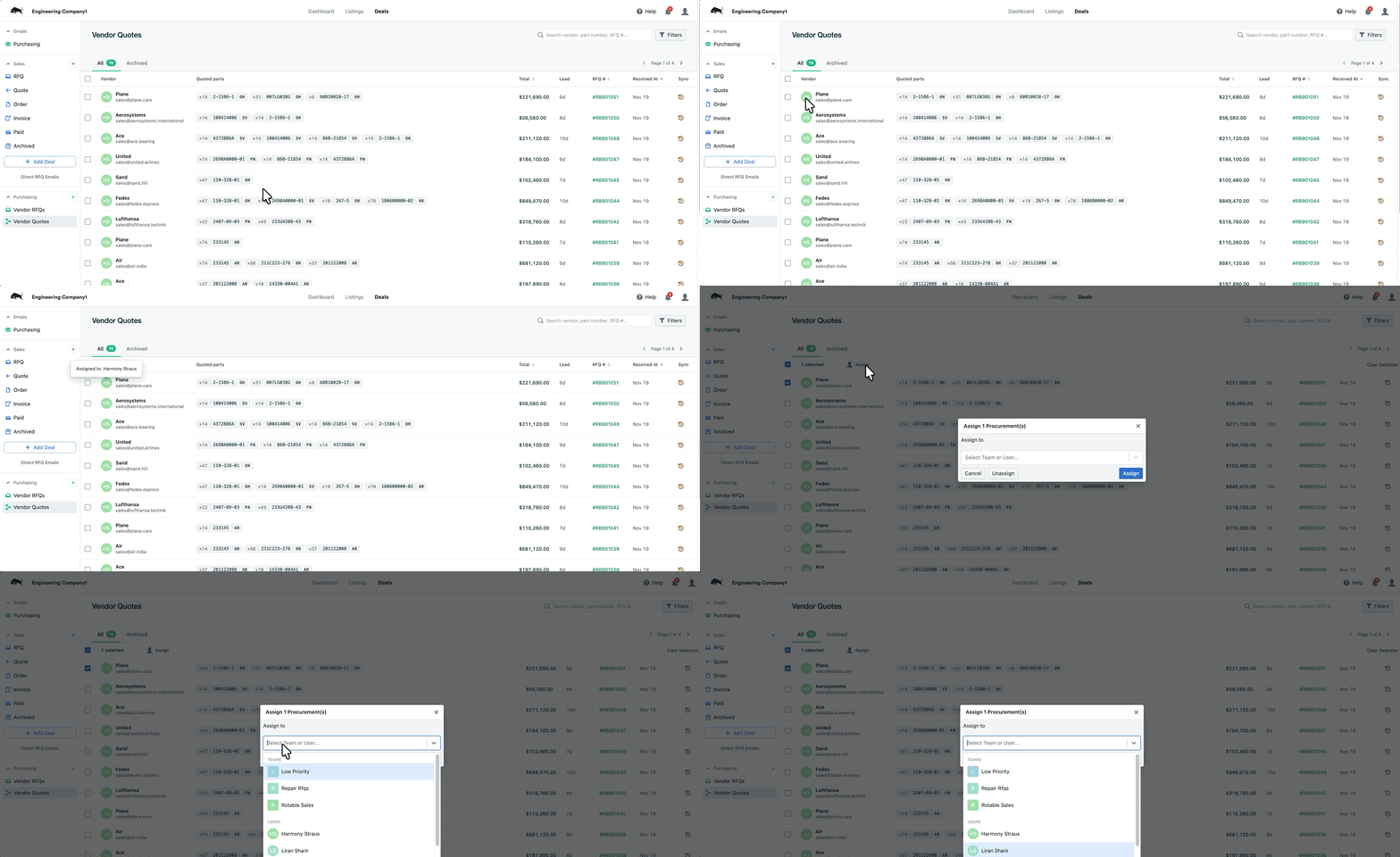
Assign Vendor RFQs and Vendor Quotes
Purchasing work can now be assigned the same way as Deals. Every Vendor RFQ and Vendor Quote shows an assignment badge; click it to hand the procurement to another user or team, or use the Assign button to set an owner for the first time.