%20(1).png)
Here’s what’s new in Rotabull as of August 2026
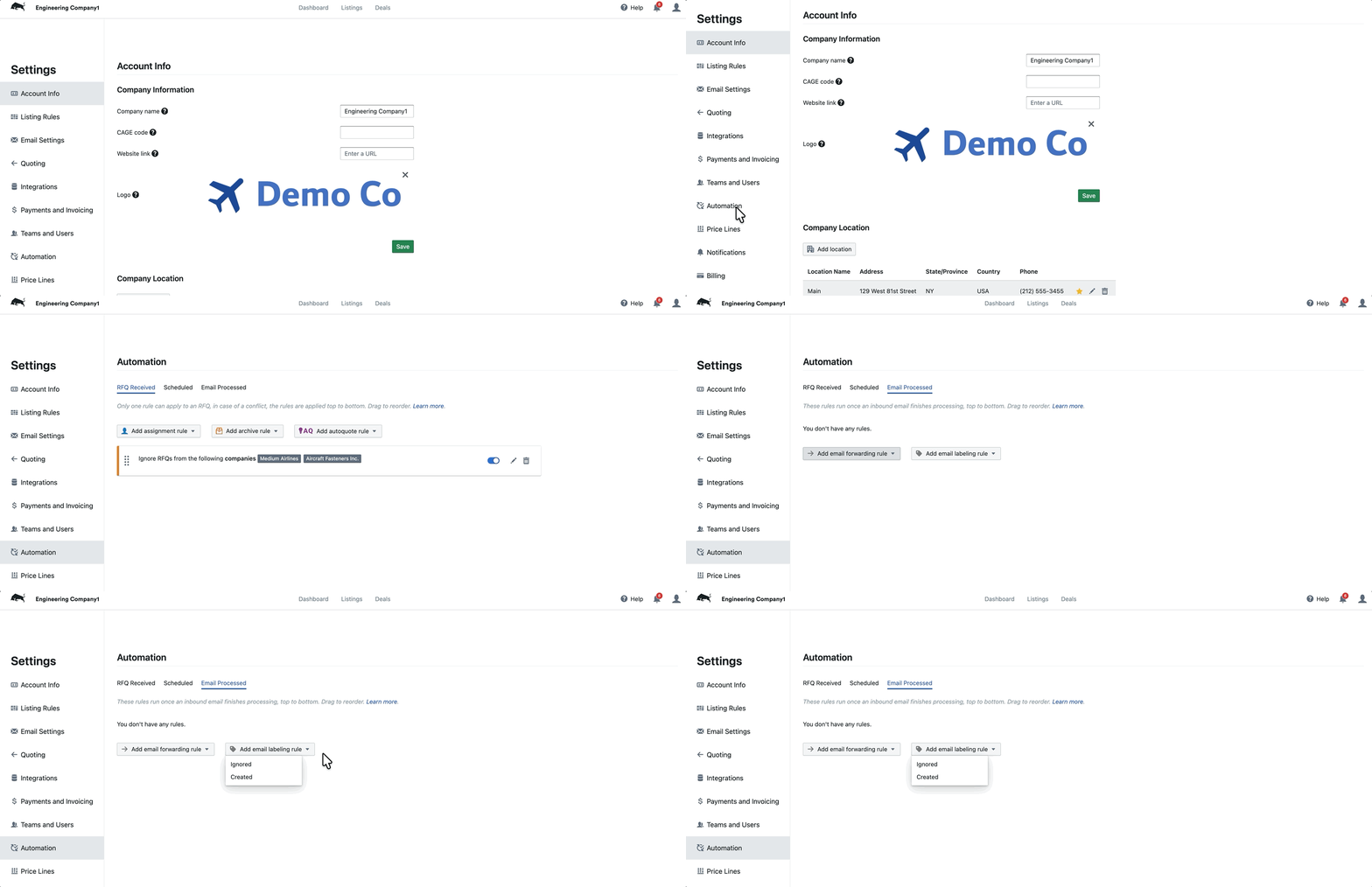
Automation Rules on Received Emails
Automation rules can now take an action once Rotabull finishes processing an incoming email, based on what happened to it. When a sales email comes in and doesn’t turn into an RFQ, you can have Rotabull forward it to an address of your choice, so a teammate who doesn’t work in Rotabull can still pick it up. Rules are organized by trigger, with separate setup for sales and purchasing mail, so each side of the desk can behave differently.
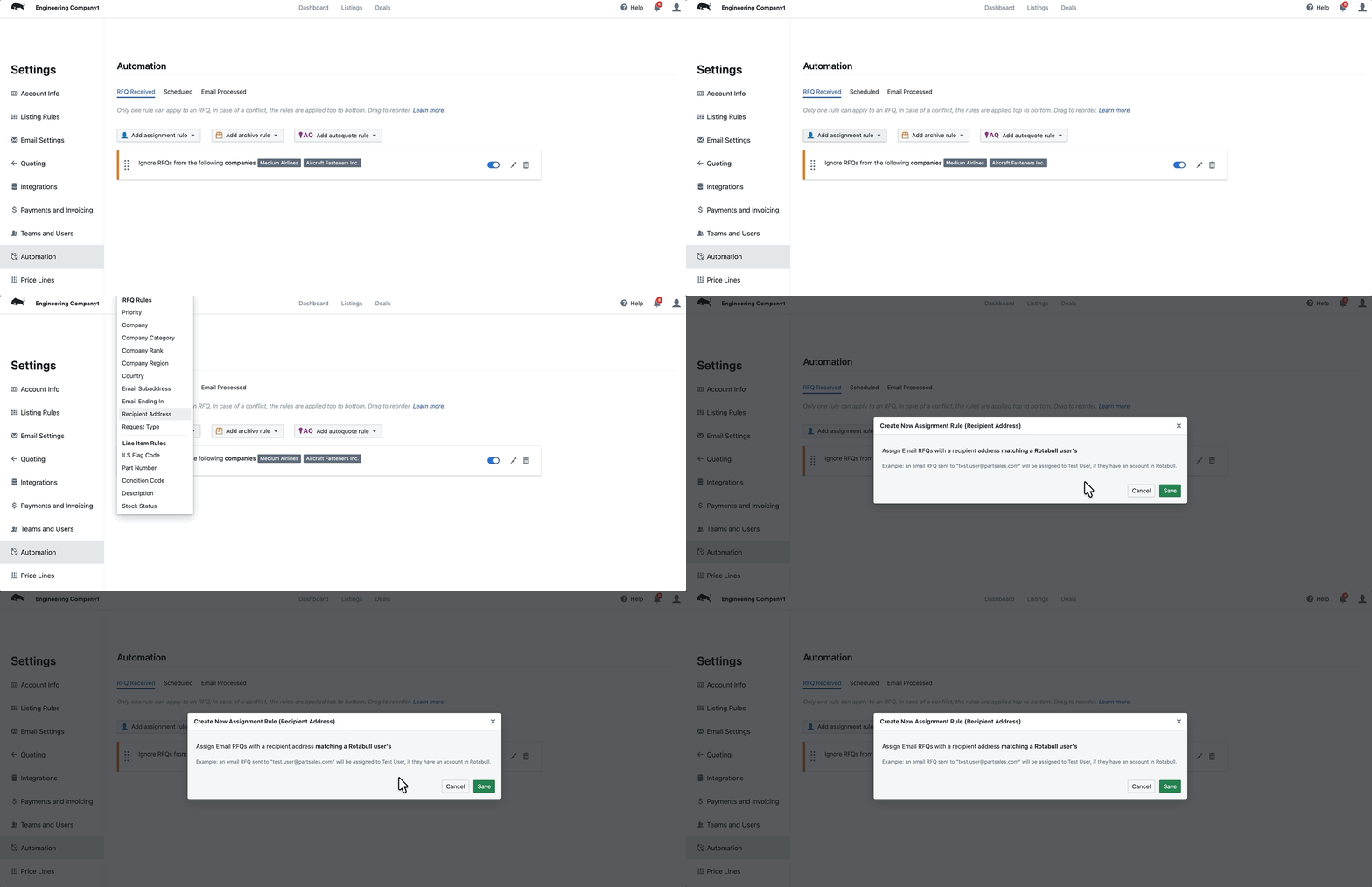
Assign RFQs by Recipient Address
There is a new assignment rule based on the address an email actually arrived at. Under Automation Rules for RFQ Received, choose Recipient Address and Rotabull assigns incoming RFQs to whichever user’s email matches the mailbox the request came into. There is nothing else to configure. For teams where each rep has their own quoting address, this routes work to the right person on its own.
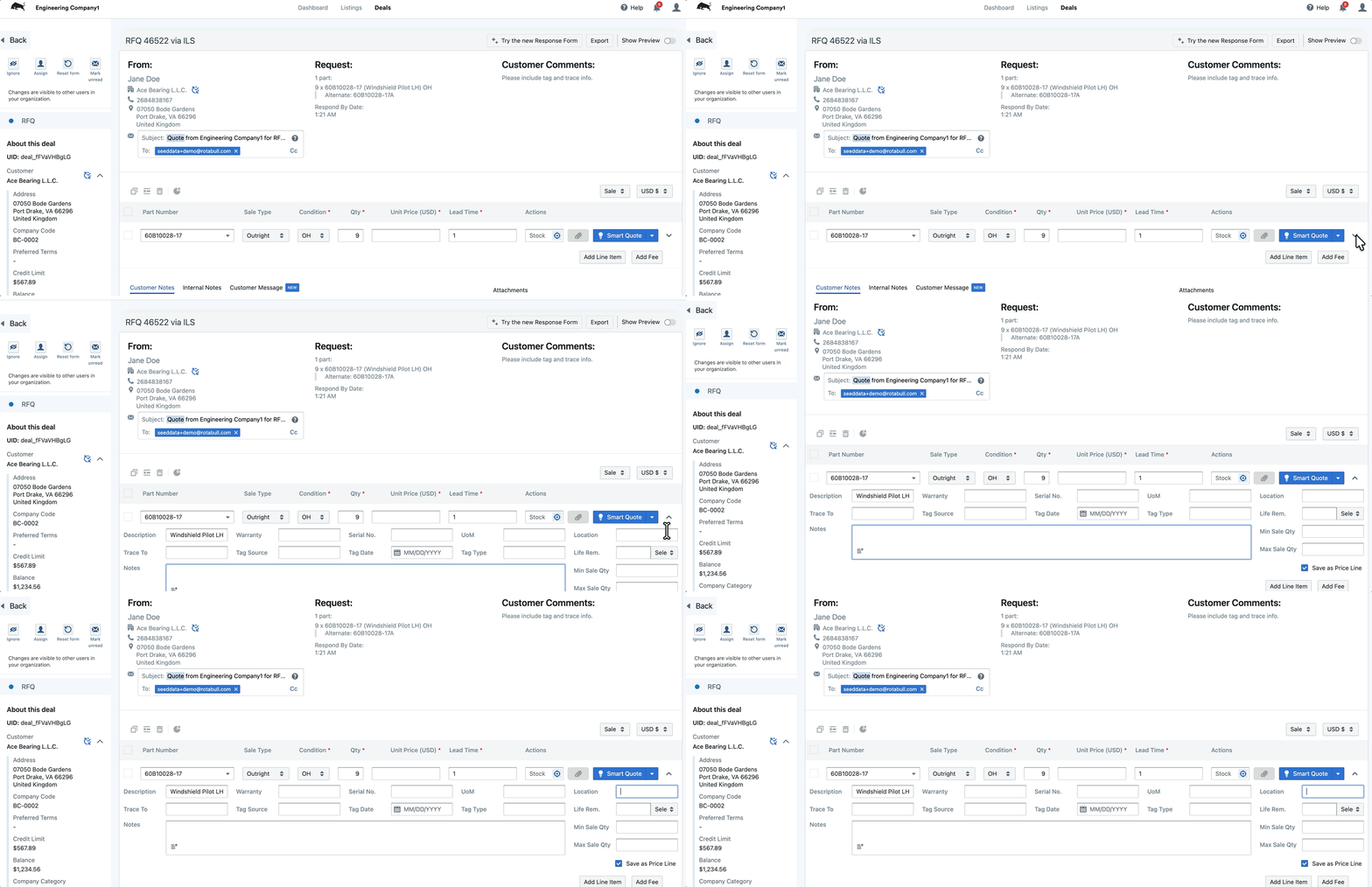
Max Sales Quantity and Location on Quotes
The Advanced fields on the RFQ Response Form now include Max Sales Qty and Location. You can tell a customer the most you are able to supply without tying that number to your stock figures, and note where the material sits. Both values carry through to the price line when you save the quote, which also gives Autoquote a maximum quantity to work from separately from stock data.